
X-Trans V · Film simulation recipes
Best X-T5 recipes.
18 Fujifilm film simulation recipes made for the X-T5, including Classic Negative, Classic Chrome, Reala Ace. Every recipe lists the full in-camera settings. Save the ones you like and send them straight to your camera.
18recipes
5.4Ksaves
X-Trans Vsensor
2022released
Send to cameraover USB
Recipes for the X-T5Most saved first
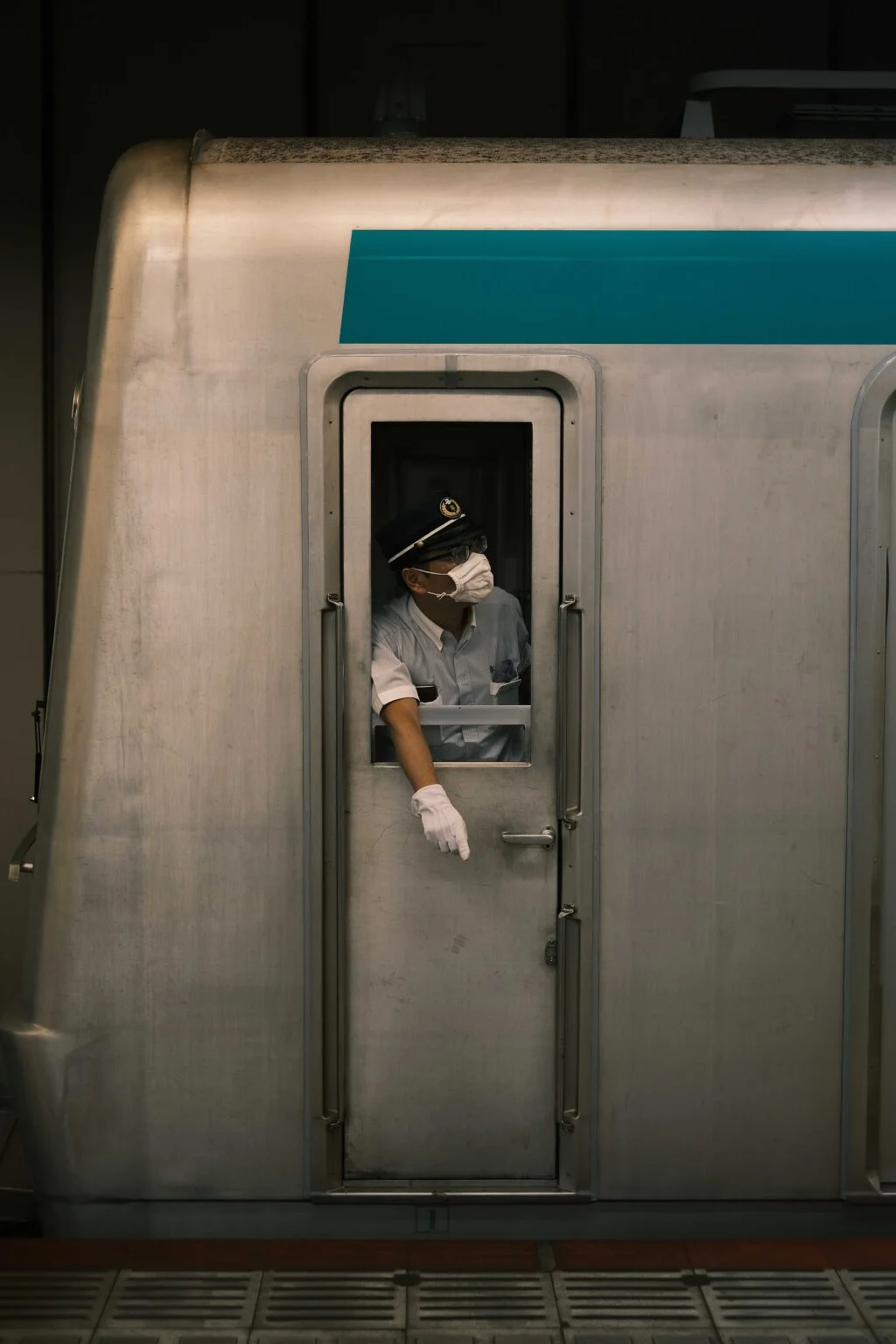 1.6K
Summer Negative
Classic Negative
@Jamiechancetravels 490
Rustic Glow
Reala Ace
@Giuseppearts 476
Salty Hair
Classic Chrome
@pharrow_photography 475
Classic Sunglasses View
Classic Negative
@pharrow_photography 442
Leica Wish
Acros + Red (R)
@robyforo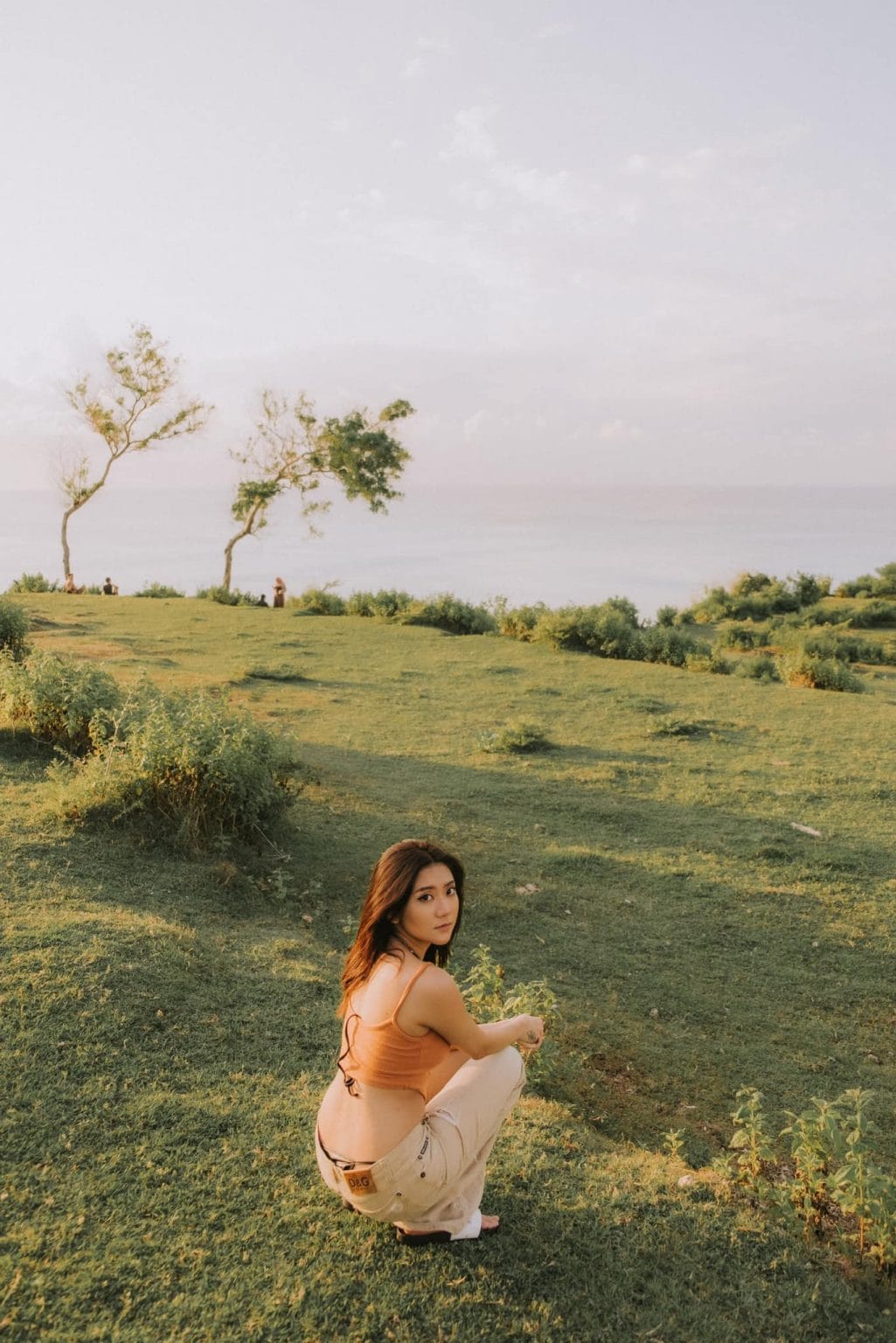 365
PORTRA 800 harm
Classic Chrome
Benedicto Hartono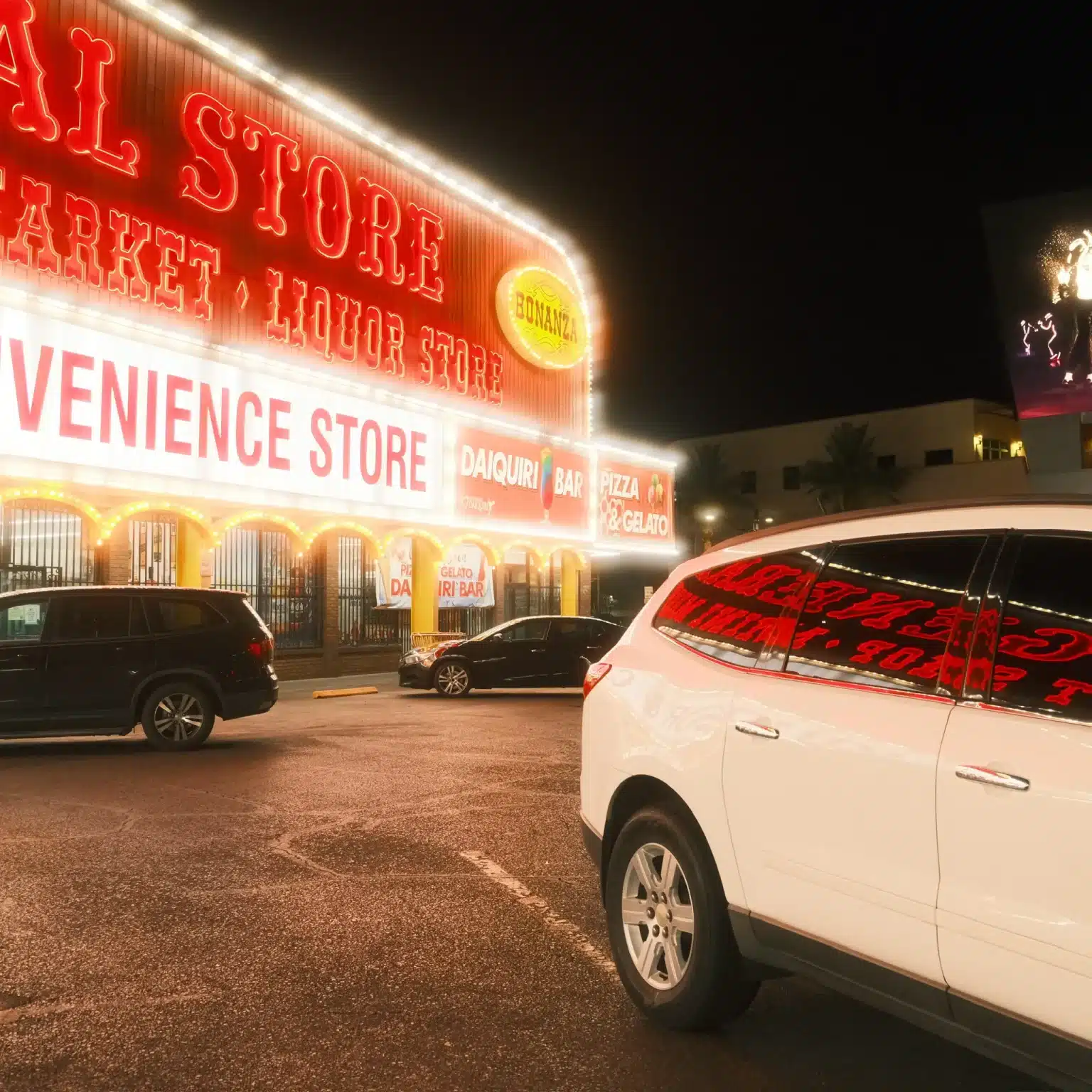 280
Nightmare Neg
Classic Negative
@keem_uel 241
Classic North
Classic Negative
@jalejandre.photo 240
Portra by Branden
Classic Negative
@brandenthelion 172
LM Negative
Classic Negative
@lilmonster_tw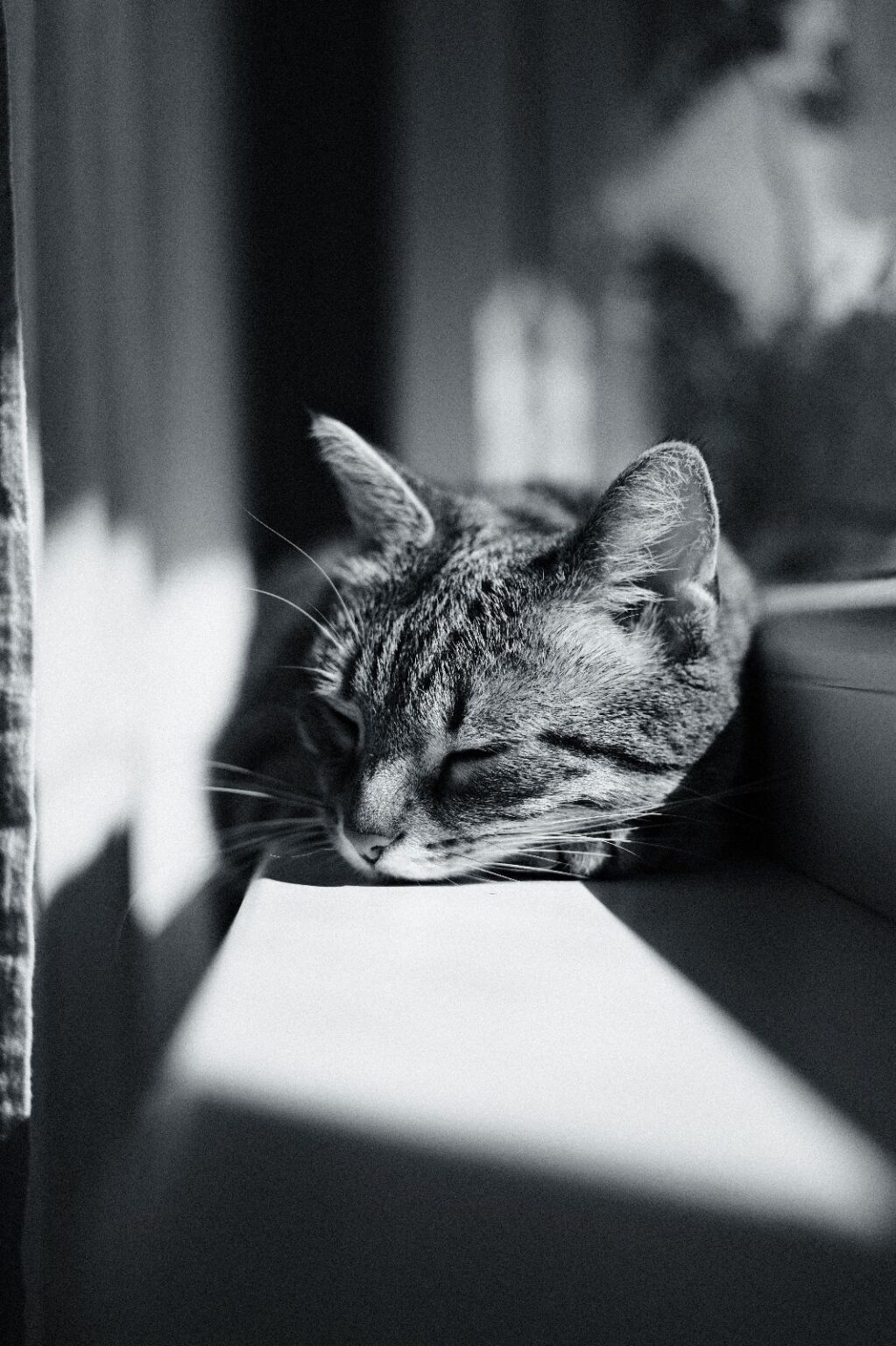 128
YinYang
Acros
@franksrandomsnaps 116
Cherry Negative
Classic Negative
@triciagraphy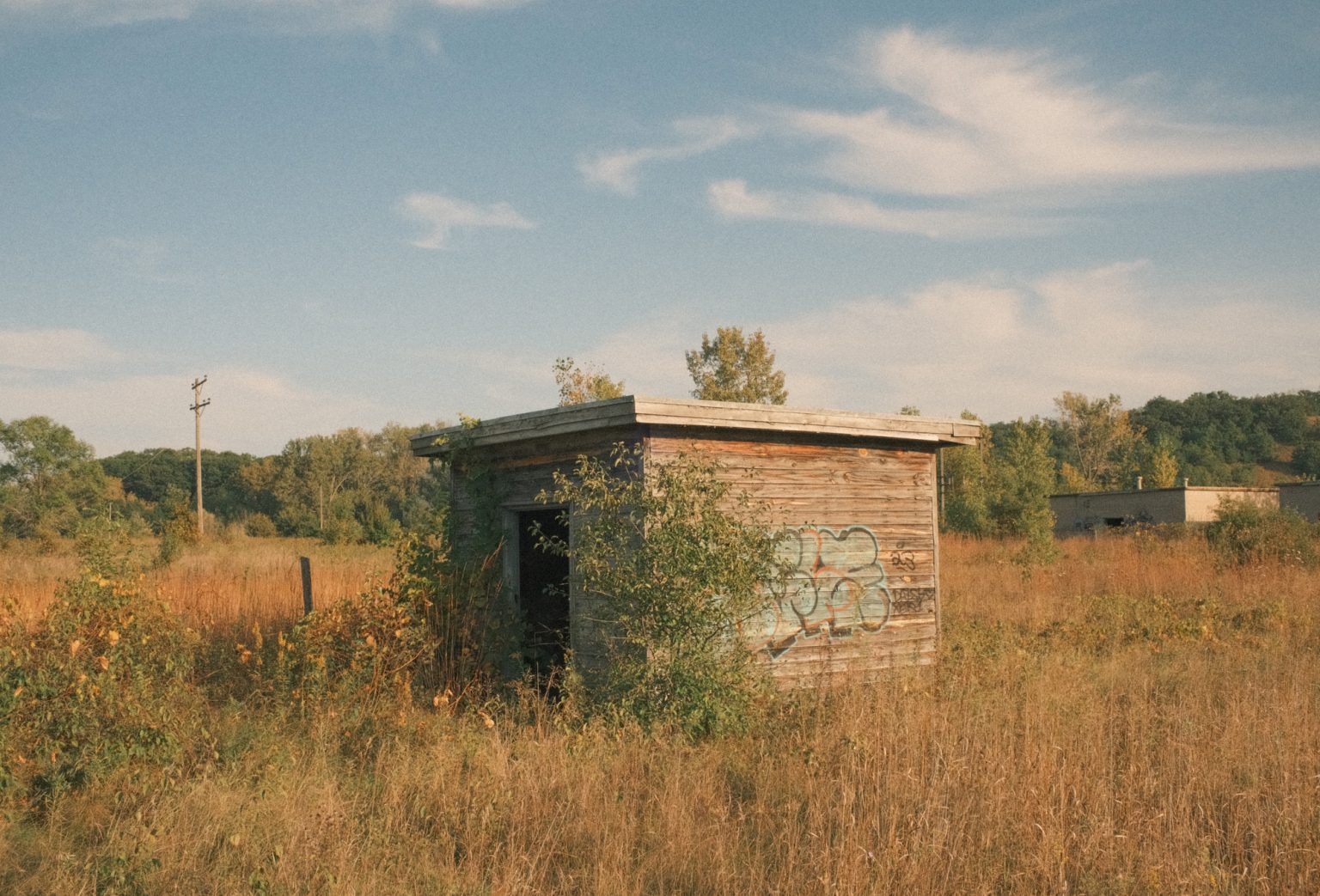 94
Lucid Summer
Classic Negative
@elijah_rock.create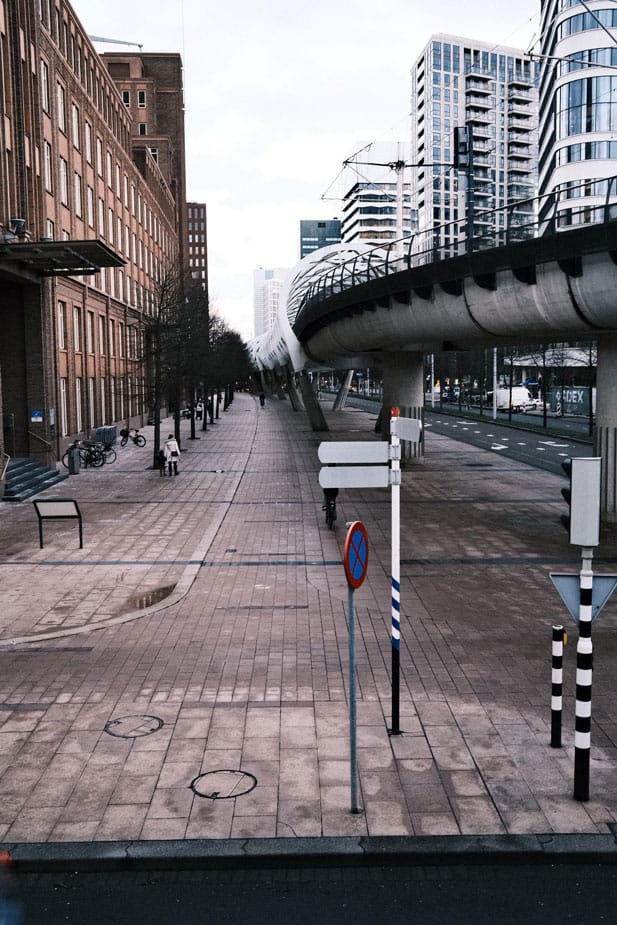 80
Meyerowitz
Classic Chrome
@streetsofyvar 71
Gold Street Negative
Classic Negative
Levi Henderson 60
KELVIN by Tiphaine
Classic Negative
Tiphaine Deuff 57
Astia Riviera
Astia/Soft
@pulcoenjoyer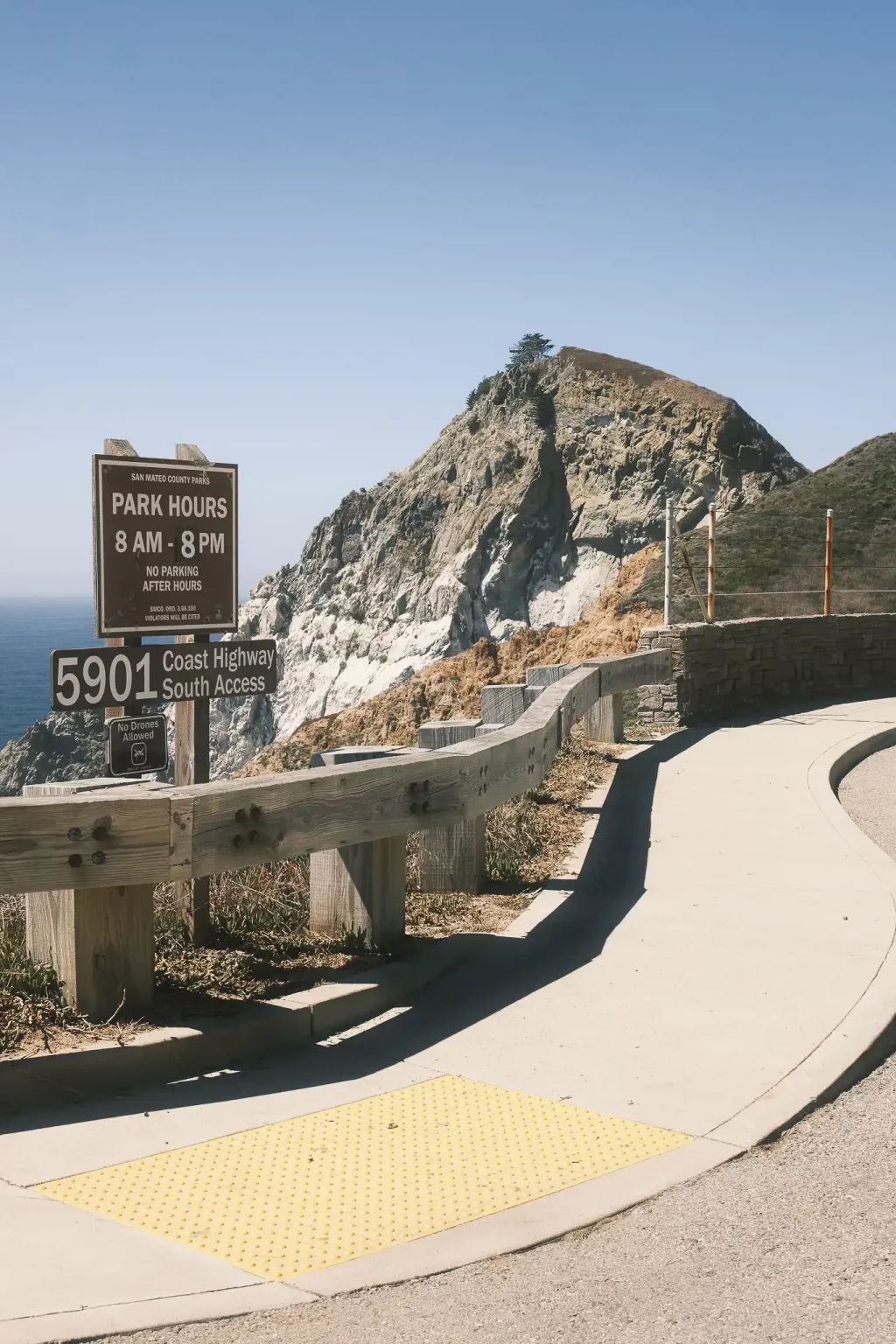 52
Classic Lucent
Classic Negative
@triciagraphyAbout X-T5 recipesFAQ
Can I use recipes from other Fujifilm cameras on the X-T5?
Usually yes, as long as the other camera shares the same sensor generation. The X-T5 is a X-Trans V body, so recipes made for other X-Trans V cameras will have the same settings available. Recipes from newer sensors can use options the X-T5 does not have (like Color Chrome FX Blue or Clarity on older bodies); just skip any setting your camera does not show.
How do I install a recipe on my X-T5?
The fastest way is the free Filmsim app: pick a recipe, connect the X-T5 over USB and it writes every setting to a custom slot (C1 to C7). You can also enter the values by hand from the recipe page.
Which film simulations does the X-T5 have?
As a X-Trans V camera, the X-T5 includes the film simulations of that generation. The most popular recipes here are built on Classic Negative, Classic Chrome, Reala Ace. Open any recipe above to see the exact simulation it uses.
Other X-Trans V camerasSame sensor, same recipes
In the app
Send any recipe to your X-T5 over USB.
No typing fourteen settings with your thumb. Pick a recipe, connect, choose a slot, shoot.


1Pick a recipe for the X-T5
2Connect over USB
3Choose a slot, C1 to C7
4Ready to shoot